

Trials in cTrader Store – the fastest way to increase sales right now
Trials help sellers increase conversions by showing real product value without giving everything away. This article explains how trials work in cTrader Store, which trial scenarios fit different products and why now is the best time to experiment.
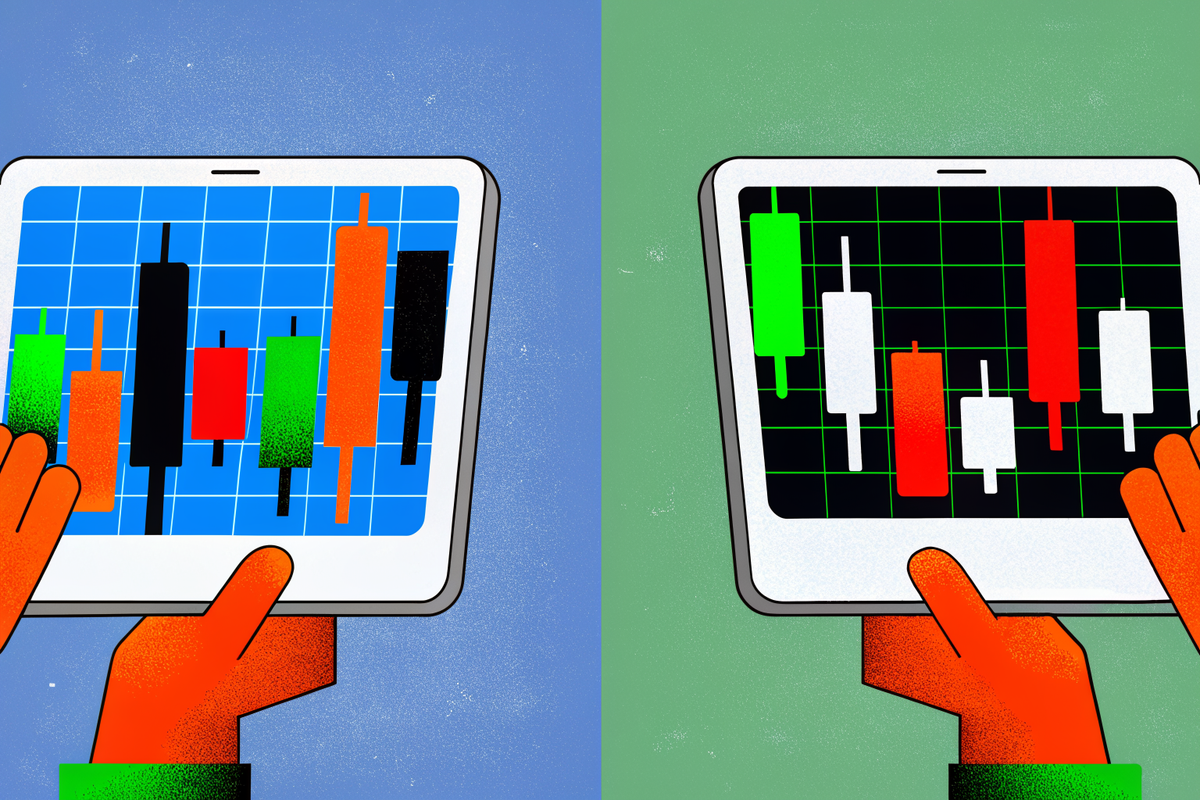
Trials are already familiar to most sellers in cTrader Store. What is new today is how trials work: you can now attach a trial directly to your paid product, without creating a separate listing.
This update simplifies trial setup and maintenance. One product card now contains both the paid version and the trial, while limitations are defined in a dedicated trial build.
 Sofia Savchenko
What has changed: trials without extra product listings
Previously, sellers had to create and publish a separate demo product with its own description and visuals. Today, the trial is attached to the same product card as the paid version.
You upload a dedicated trial build and link it to your existing paid product. No separate Store listing is required.
The only thing you prepare separately is the trial .algo build – a version of your algorithm where you define your limitations in code.
This is one of the quickest improvements you can make to your conversion funnel.
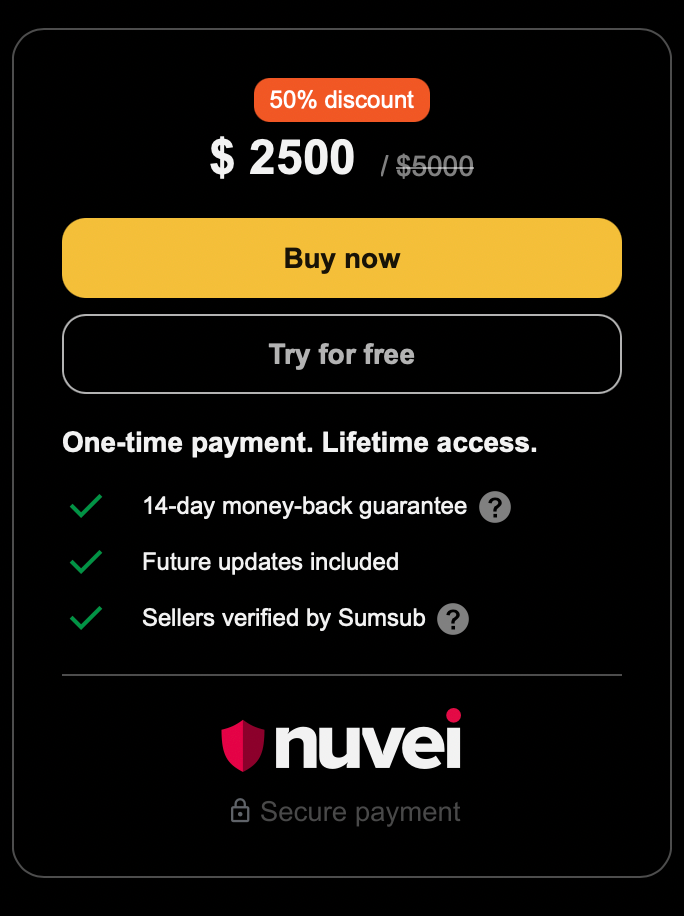
If you want to see the exact publishing flow in cTrader Store, including where to upload your trial build and how the trial is linked to your paid product, you can follow the step-by-step guide in our Help Centre: How to publish a trial in cTrader Store .
Curious what opportunities cTrader Store offers developers?
This is a strong moment to join - the Store is actively evolving, trials are flexible and early sellers can test more approaches and capture demand faster.
How trials work: clarity, trust and higher conversion
When traders see only screenshots, they hesitate. When they can launch your bot or indicator, observe the behaviour and test the idea in their own cTrader environment, they connect with the product much faster.
Trials help you:
- increase trust
- boost engagement
- reduce uncertainty
- move users from “just browsing” to “ready to buy”
A strong trial shows the value of your product, but keeps the full performance and full flexibility behind the paywall.
What you include in a trial build
A trial is not a broken or crippled version of your product. It is a controlled and transparent preview of your logic.
To create it, you:
- duplicate your main algorithm
- add the trial restrictions directly in the code
- upload this trial build via Publish trial in cTrader Store
This build becomes the trial version users can install.
On the publication page, there is a dedicated Trial limitations field where you describe what exactly is restricted. Clear communication builds trust and avoids confusion.
For developers who want to explore common trial logic patterns and implementation examples, our cTrader Algo documentation covers how trial algorithms are typically structured: Trial algorithms in cTrader Algo .
Trial limitation patterns that convert
We currently document five core trial limitation patterns that cover the most common use cases. These patterns are described in our documentation, but they do not limit how you design your trial logic.
1. Backtesting only
The algorithm works only in backtesting and stops trading in live mode.
Best for:
- trading robots
- strategy products
Why it converts: users see the logic, but live execution remains exclusive to the full version.
2. One-asset-only (for example EURUSD only)
The trial runs only on one symbol. All other markets are blocked.
Best for:
- bots
- indicators
Why it converts: the user experiences your idea, but understands that full market access requires payment.
3. Buy-only or sell-only logic
The trial executes only one direction.
Best for:
- trend-following robots
- directional systems
Why it converts: the behaviour is clear, but the outcome is deliberately limited.
4. Micro-lot mode
The trial uses very small position sizes.
Best for:
- most robots
Why it converts: traders see stability and behaviour, but not the full earning potential.
5. Limited number of trades
The trial stops after a set number of trades, such as 2, 10 or 50.
Best for:
- bots
- signal tools
Why it converts: the first trades convince the user, the limit pushes them to upgrade.
6. Time-limited access
The trial works for a defined period, such as 7 days or 1 month.
Best for:
- almost any product type
Why it converts: simple, familiar and highly effective.
7. Session-based access
The trial runs only in a specific market session, for example only the Asian session.
Best for:
- session-sensitive strategies
Why it converts: users see how the logic behaves, but miss the most active hours until they buy.
8. Log-only mode
The trial does not open real positions. Instead, it logs where it would buy or sell.
Best for:
- educational bots
- transparency-focused tools
Why it converts: users understand the intelligence of your system without gaining full operational value.
9. Visible trial markers or interruptions
The trial displays a clear visual reminder, such as a red block on the chart every few minutes.
Best for:
- indicators
- visual tools
Why it converts: the tool is useful, but the experience clearly tells the user that the paid version is smoother and unrestricted.
10. Delayed signals
The trial shows signals with delay, for example 24 hours after they occur.
Best for:
- signal products
- analytical tools
Why it converts: users can evaluate signal quality, but real-time usage is locked behind payment.
How to choose the right trial for your product
For trading robots
Good combinations:
- backtesting only + time-limited access
- one-asset only + micro lots
- trade count limit + session restrictions
Focus on showing:
- clear entries and exits
- stability and behaviour
- a clear difference between trial and full mode
For indicators
Good combinations:
- one-asset only + visual reminders
- delayed signals + time-limited access
Focus on showing:
- what the indicator highlights or predicts
- how it improves decision-making
For tools and plugins
Good combinations:
- partial feature set for trial
- limited automation
- log-only access for sensitive operations
Focus on showing:
- one or two strong use cases
- enough value to build trust
Communicating your trial to users
Your trial becomes more effective when users understand exactly what it includes.
On your product page, make sure to:
- mention that a trial is available
- describe the experience and the restrictions
- add a short “What you get with the full version” section
Transparency increases adoption and conversions.
There is room to experiment right now
At the moment, there are no strict limits on how trial logic is implemented in cTrader Store. We are actively observing which trial scenarios sellers use and which of them perform best.
This is why experimenting now matters. Your implementations help us understand which patterns should be documented, improved or supported better in the future.
This is the best time to test different trial approaches, combine limitations and explore what converts best for your product. The more sellers experiment today, the clearer it becomes which trial scenarios deliver the strongest results — both for you and for the platform as a whole.
If you have ideas you have been postponing, now is the right moment to try them.
If you are ready to get started, our Help Centre explains both the Store workflow and the Algo-side considerations in detail: Publish a trial in cTrader Store and design your trial algorithm logic .
If you feel that certain trial scenarios are missing, or that documentation or APIs could be improved, we encourage you to share your feedback with our support team.
If you want more sales, you need a trial
Traders do not want to buy blind.
A trial lets them experience your product in real conditions and turns curiosity into commitment.
This is why many of the most successful sellers are already moving to a trial-first model.
If you want:
- more active users
- more trust
- higher conversion
- more sales
…then adding a trial is the fastest step you can take today.
Ready to add a trial to your product today?
Publish a trial build, describe the limitations clearly and start testing what converts best while flexibility is still high.



Comments ()