
Try More. Commit Less. Subscriptions Arrive in cTrader Store
Subscriptions make premium cBots, indicators and plugins more accessible to traders while giving professional developers new ways to monetise continuously evolving products and services.
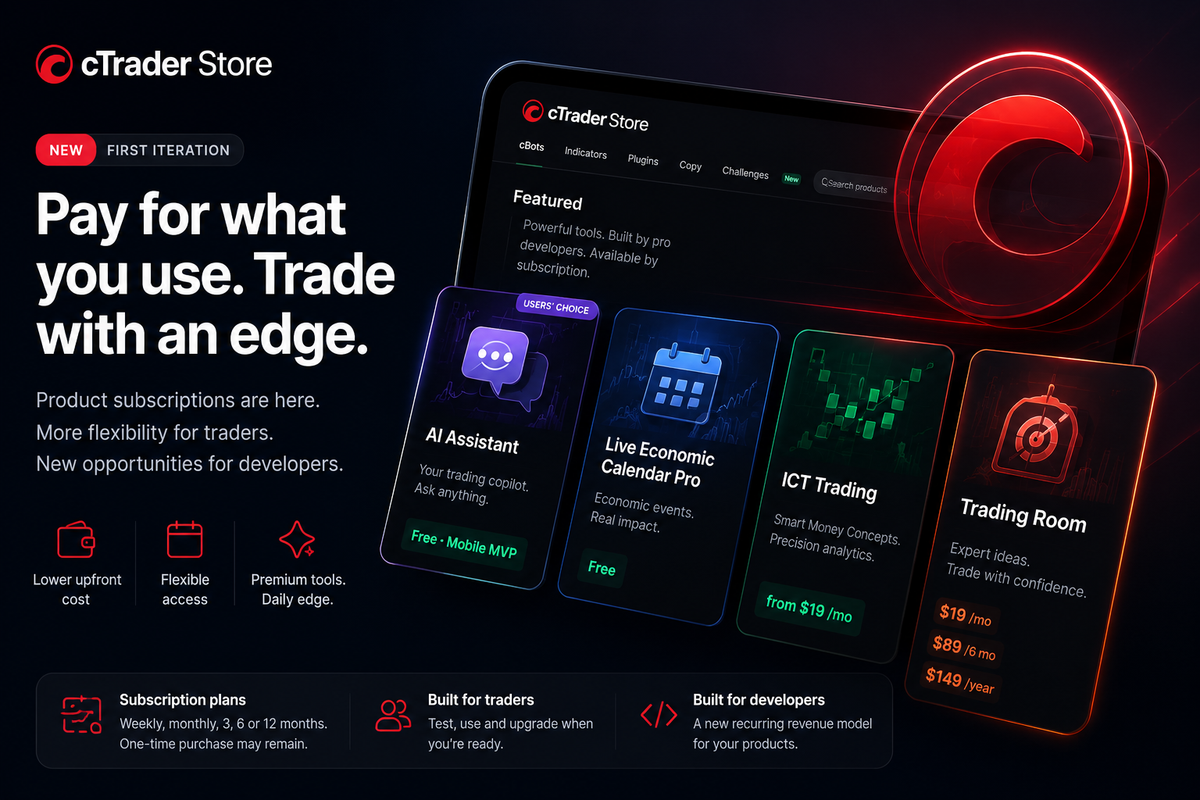
Premium tools,
flexible access
Subscribe to selected cBots, indicators and plugins without paying the full price upfront. Use a product for as long as it suits you, then renew, choose a longer plan or buy Unlimited access where available.
Why subscriptions
Try a product before you commit
Experienced creators build advanced cBots, indicators and plugins that may need regular updates, data or support. A subscription gives you a lower-cost way to see whether a product fits your trading.
Before subscriptions, you often had to pay the full product price upfront. That works when you already know what you need, but it makes trying a new cBot, indicator or plugin a bigger decision.
With a subscription, you can start with a smaller payment and use the product in your own workflow. Keep it for the period you need, move to a longer plan or choose an Unlimited one-time purchase when the seller offers one.
Subscriptions do not replace one-time purchases. They give you and the seller another way to choose the access and payment model that works best.
Start with a smaller payment
Try a paid product without committing to the full one-time price on day one.
Use it when you need it
Stay subscribed for the periods when the product supports your trading.
Choose longer access later
Move to a longer plan or Unlimited access after you know the product suits you.
Subscriptions make advanced tools easier to try while helping creators fund updates, infrastructure and customer support.
New ways to build
Subscriptions make service-based plugins possible
Some plugins provide live analytics, external data, AI features or regularly updated content. A subscription gives creators a practical way to maintain these services and gives you a lower-cost way to try them.
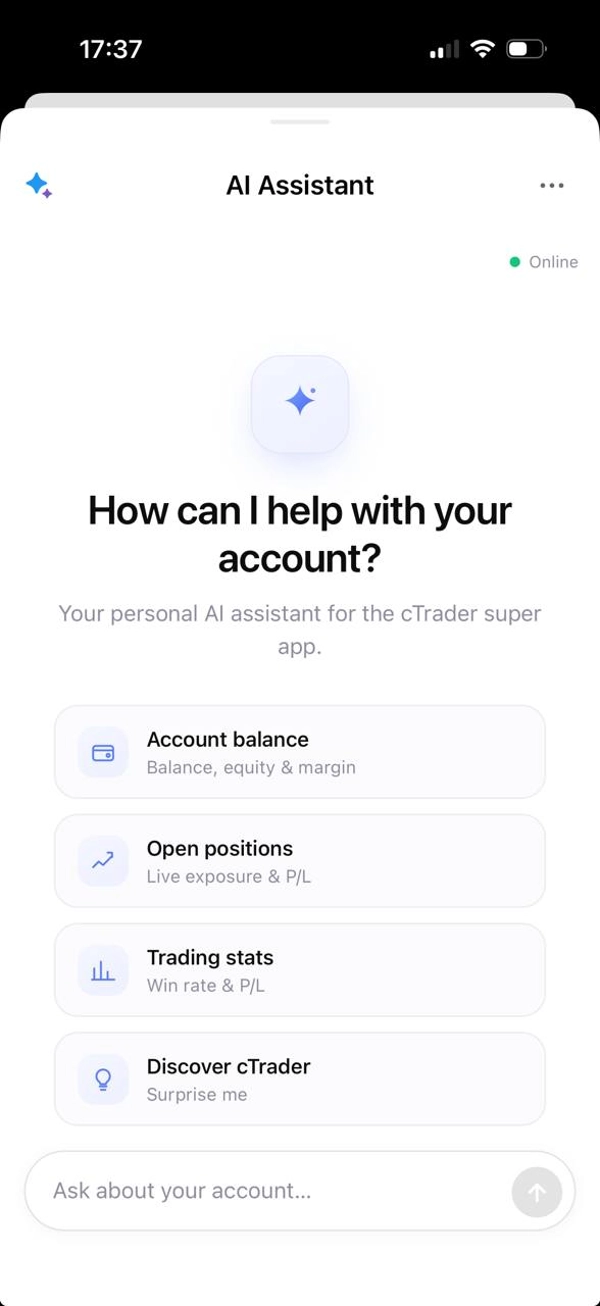
AI Assistant
FreeAsk simple questions about your balance, equity, margin, positions, trading history, prices, spreads, economic events and market news. The current free MVP is available on mobile only.
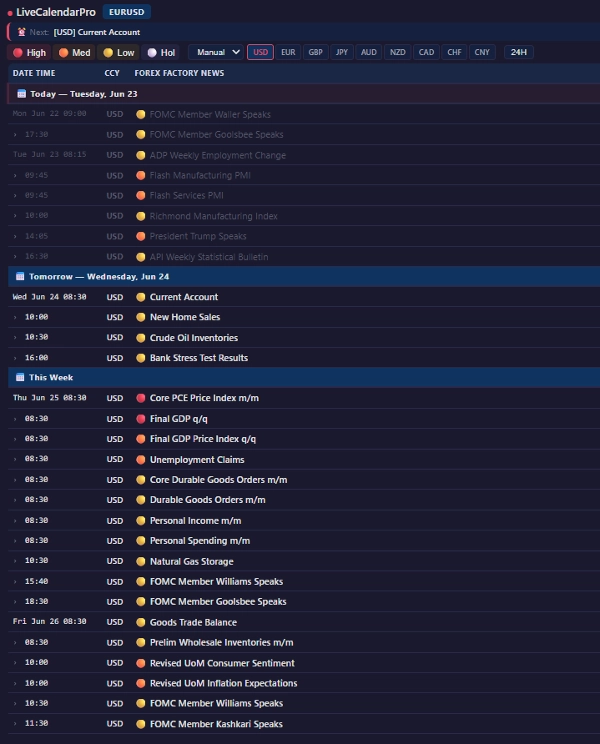
Live Economic Calendar Pro
FreeSee upcoming economic events directly in cTrader. Filter by impact, compare forecast and previous values and view a countdown to the next market-moving announcement.
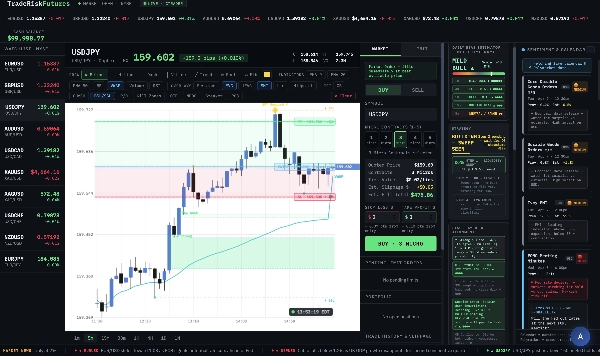
ICT Trading
From $19/monthMap Fair Value Gaps, Order Blocks, Breaker Blocks, BOS and CHoCH shifts, Kill Zones and Premium/Discount zones on your charts. Multi-timeframe tools help you review a setup before you act.
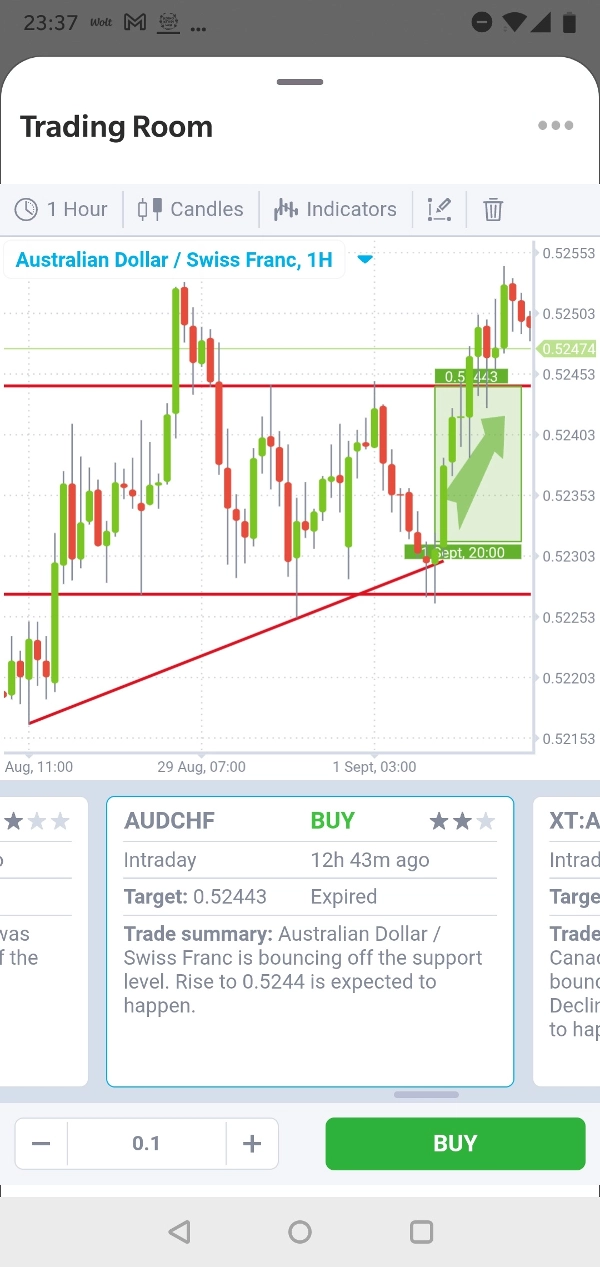
Trading Room
From $19/monthSee live market analysis and trading ideas on candlestick charts. Review ideas across forex, commodities, indices and crypto and act from inside the plugin.
Prices and availability reflect the Store listings at the time of publication. Sellers may update them.
Why plugins matter
From one-off tools to ongoing services
Subscription support helps creators build products that rely on fresh data, external services, regular analysis or AI processing. You get a more accessible way to try them, while creators can keep improving and supporting their work.
Live data, analysis and services when you need them.
Maintenance, improvements and support from the creator.
You choose how long you need the product.
What comes next
This is our first version
We will learn from this first release, improve the flow and explore new ways for sellers to package and monetise their work.
Improve the subscription flow
We will make it easier to find plans, compare prices, subscribe and manage your access based on feedback from buyers and sellers.
Add paid seller spaces
We plan to let sellers create spaces with several products and services. You will subscribe once and choose which included tools you want to use.
Add in-app purchases on mobile
We are preparing in-app purchases so you can find and buy plugins and cBots directly from the cTrader mobile app.
Find products with a subscription
Open the Price filter in cTrader Store and select Subscription to see products with recurring plans.
See how to subscribe →Offer your product by subscription
If your account is verified, you can offer recurring access instead of or alongside a one-time price.
Read the seller guide →

Comments ()