

cTrader Mobile 5.9: Instant chart access, clearer charts and My cTrader
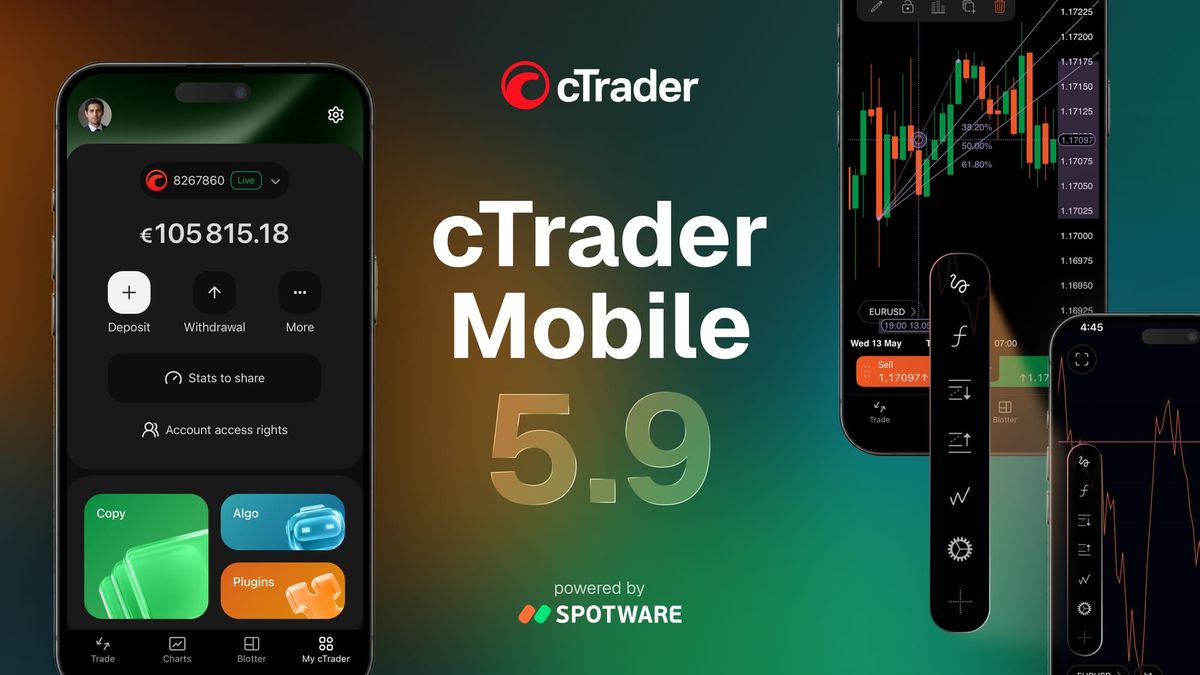
We’ve released cTrader Mobile 5.9, letting you open charts in one tap, making charting clearer and smoother and introducing My cTrader – your personal space that puts account management, funding, platform products and support in one place.
Open your charts in one tap
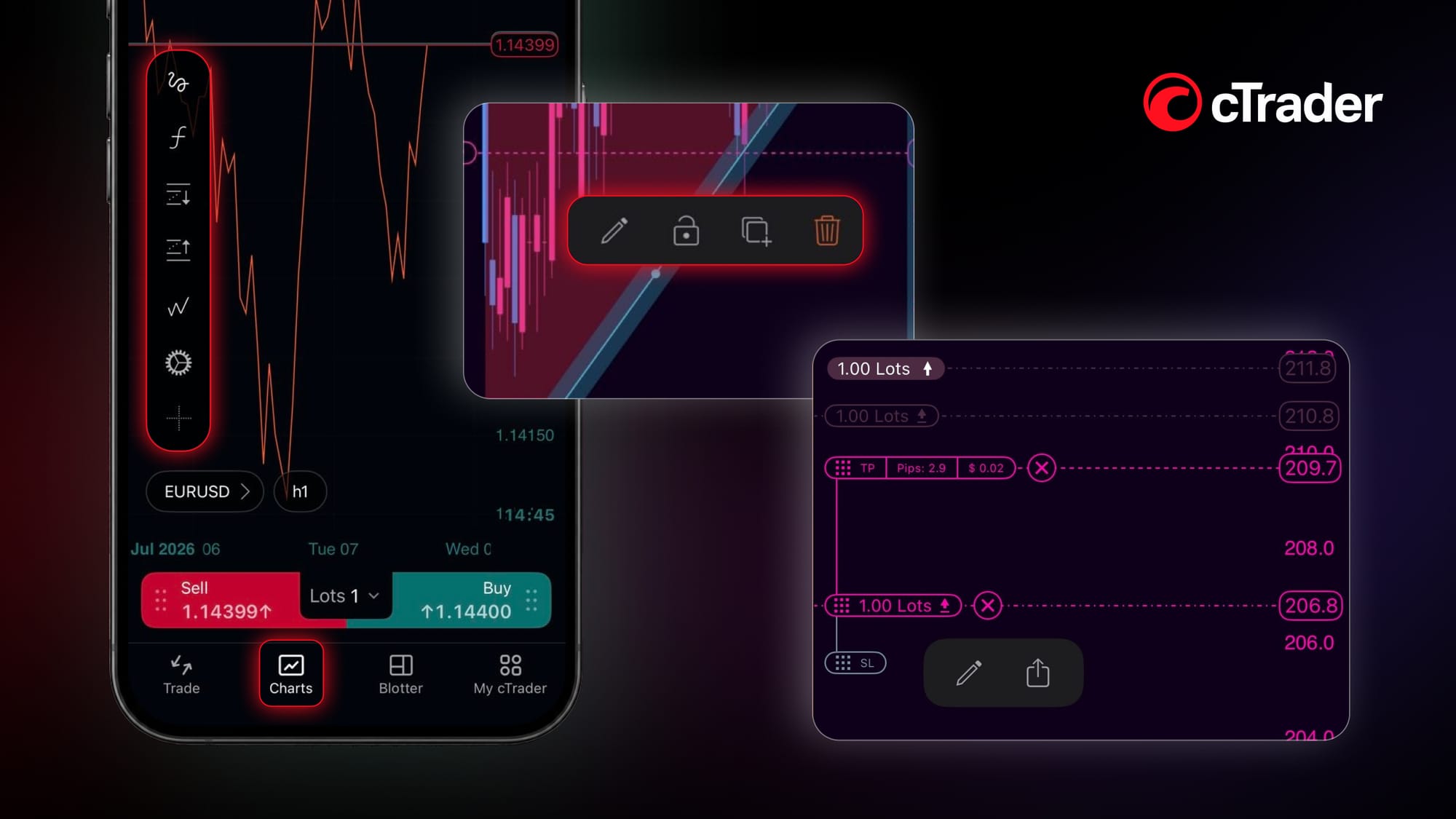
Charts now have their own tab in the bottom navigation bar, alongside My cTrader, Trade and Blotter. Now you can go straight to trading in one tap.
Smoother chart interaction
Tap anywhere on a chart to display its main controls, then tap again to hide them when you want a clearer view of price action.
When you select a drawing, order, position or price alert, the available actions appear in a floating panel. You can drag the panel to another part of the screen, keeping the actions you need within reach without covering the area of the chart you are watching.
cTrader also adds a focus mode for positions and orders. When you select one, the rest dim on the chart, making it easy to concentrate on that specific trade.
My cTrader
cTrader Mobile 5.9 introduces My cTrader – a new personal section that brings your everyday account tools together.
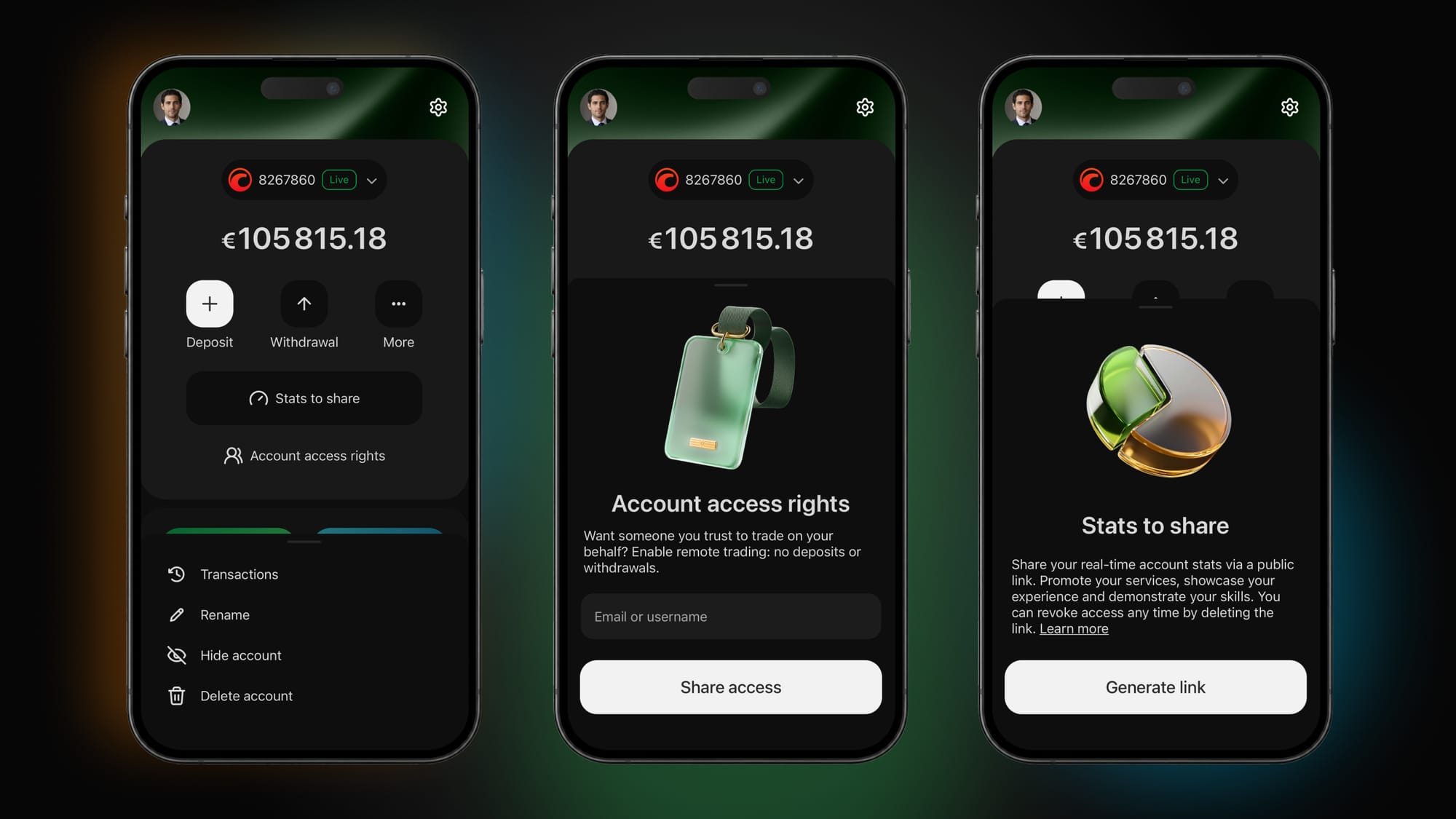
From one place, you can:
- Switch between accounts, create new ones, rename or hide them and manage access rights
- Handle deposits, withdrawals, bonuses and transaction history
- Explore cTrader Copy, cTrader Algo and Plugins
- Find broker chat, social media links and the Help Centre when support is needed
- Personalise your profile and app interface so it fits your style and preferences
- Share your trading stats with your community
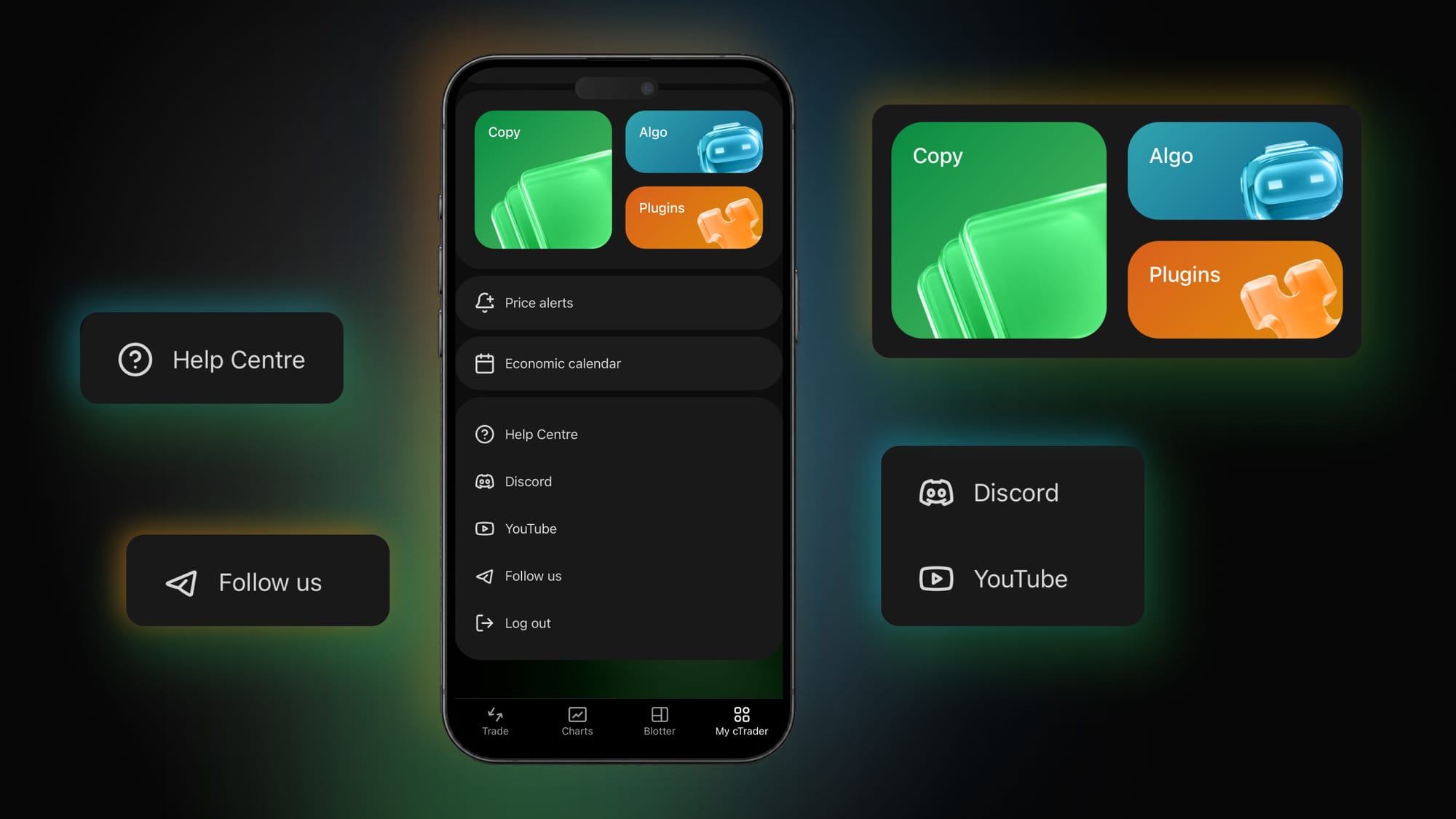
My cTrader is your own space inside cTrader Mobile – organised, personal and built around your everyday trading needs.
Traders First™ means building cTrader around the way you actually trade. Your feedback matters to us, and we’ll keep bringing you upgrades that make a real difference to your everyday trading.


Comments ()