Unlike others, we never upload your code - that’s real security On most platforms, protecting your algo means taking a risk: uploading raw source code. With cTrader, that risk doesn’t exist. Your code stays local, encrypted, and secure - by design.
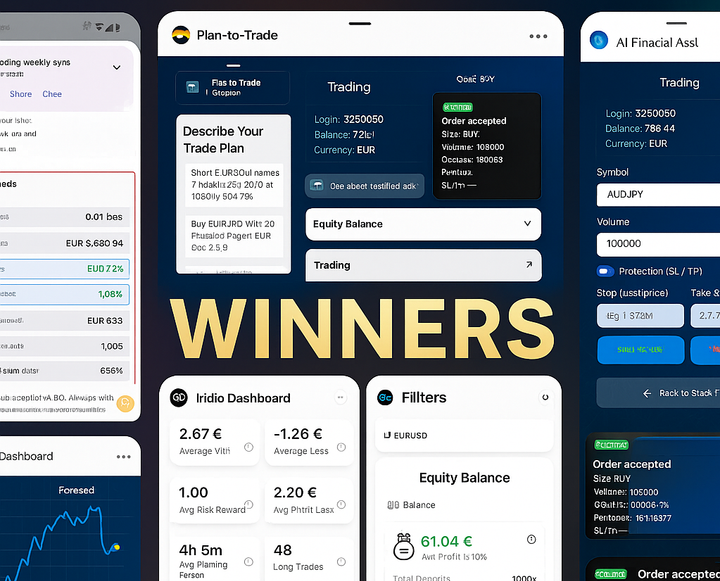
🏅WebView Hackathon 2025: Meet the Winning Plugins and What They Bring to Traders Our first WebView Plugins Hackathon is complete! 🎉 With more than 300 participants, over 10 finalists, and 3 winners, this event marks the beginning of a new era for plugins in cTrader.
5 Reasons This Hackathon Is More Than Just Apple Prizes Winning a MacBook is great, but the cTrader Hackathon offers so much more. From global exposure and media coverage to potential broker deals and early access to new tools — here are five reasons why this event is a game-changer.
WebView plugins SDK vs Open API: Integration Options Discover the differences between WebView SDK and Open API and when to use each. Our Store will soon launch a new cross-platform WebView Plugins category—build mobile and desktop extensions in minutes. Coming soon!
🚀 45-Minute WebView Plugin: Your Ticket to a MacBook Build powerful WebView plugins for cTrader in under an hour—no heavy SDK required! Discover 10 ready-to-use widget ideas you can whip up tonight, then follow our simple 5-step guide to clone our demo chart plugin
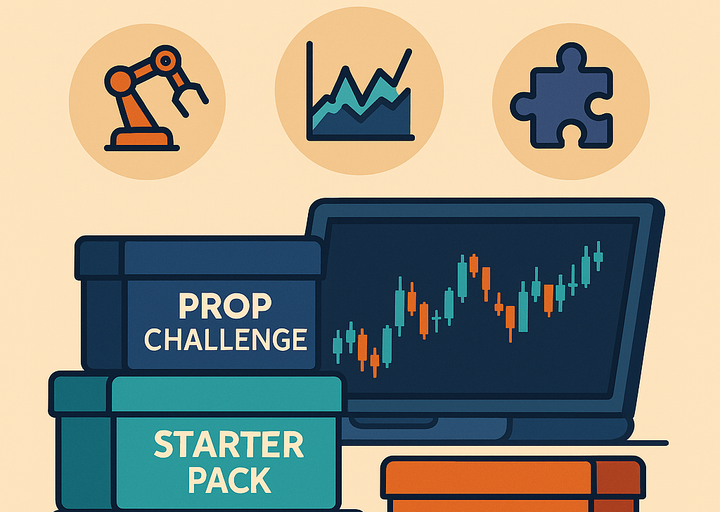
🎒 Hand‑Picked cTrader Tool Bundles for Every Stage Unlock your trading edge with our hand-picked cTrader tool bundles. From free starter bots and indicators to pro-level add-ons and prop-firm challenge kits, this guide shows you exactly what to install—and why.
How to install and run Indicators purchased from the cTrader Store You can buy or install for free indicators directly from the cTrader Store and use them on cTrader Desktop platform. Please note that purchased indicators are not supported on the Web or Mobile versions of cTrader. Step-by-step instruction: 1. Purchase or install for free indicator from cTrader Store